Three things you can't do anywhere else
A small app that quietly makes your relationship louder.
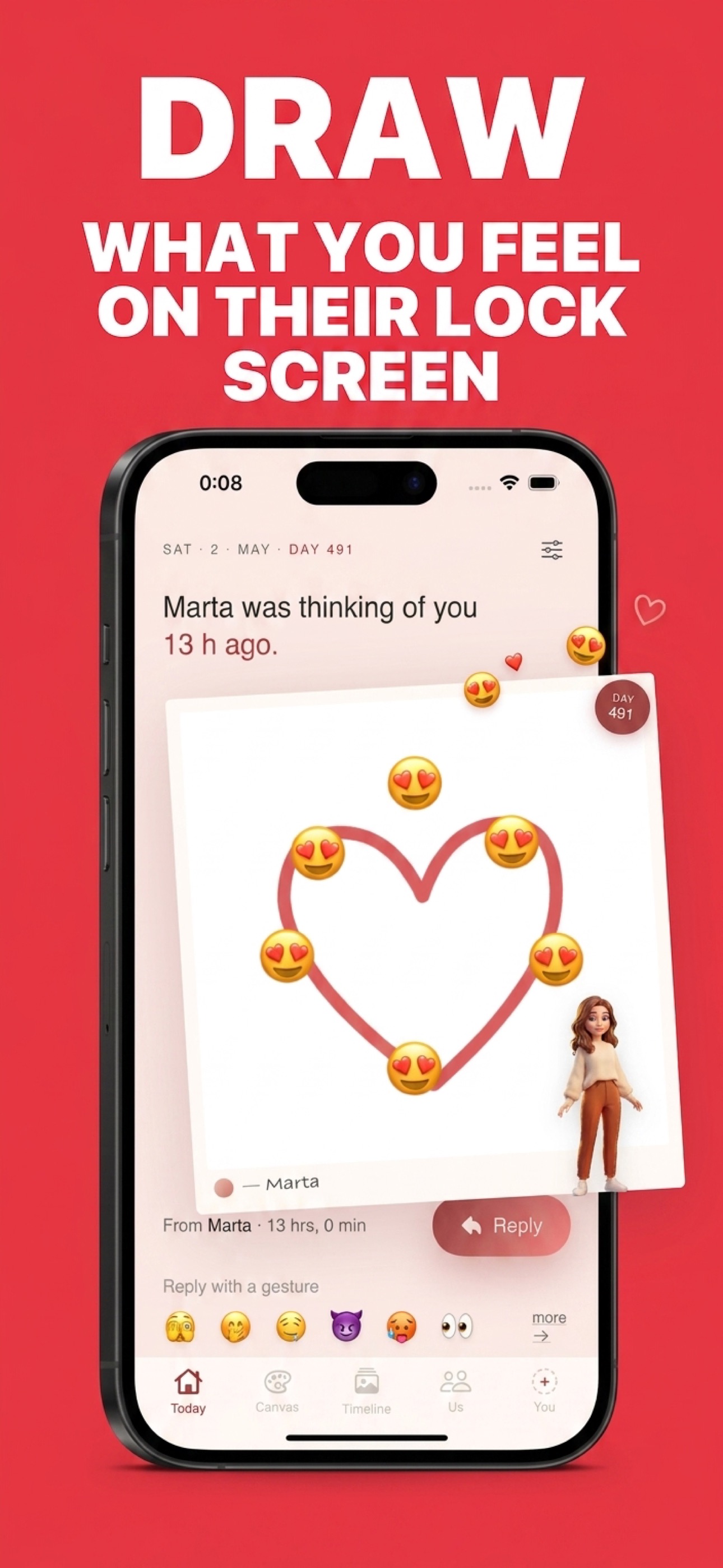
01 · Draw
Draw what you feel.
Watch it land on their lock screen.
A tiny heart. A silly doodle. An inside joke. Sketch it on a 1:1 canvas and it shows up as a hand-drawn widget on your partner's home or lock screen. No typing. No notifications. Just you, in their pocket.
- ✏️ Draw with finger or Apple Pencil
- 📲 Lands on their widget instantly
- 🤫 Quieter than texts. Louder than notifications.
02 · Build
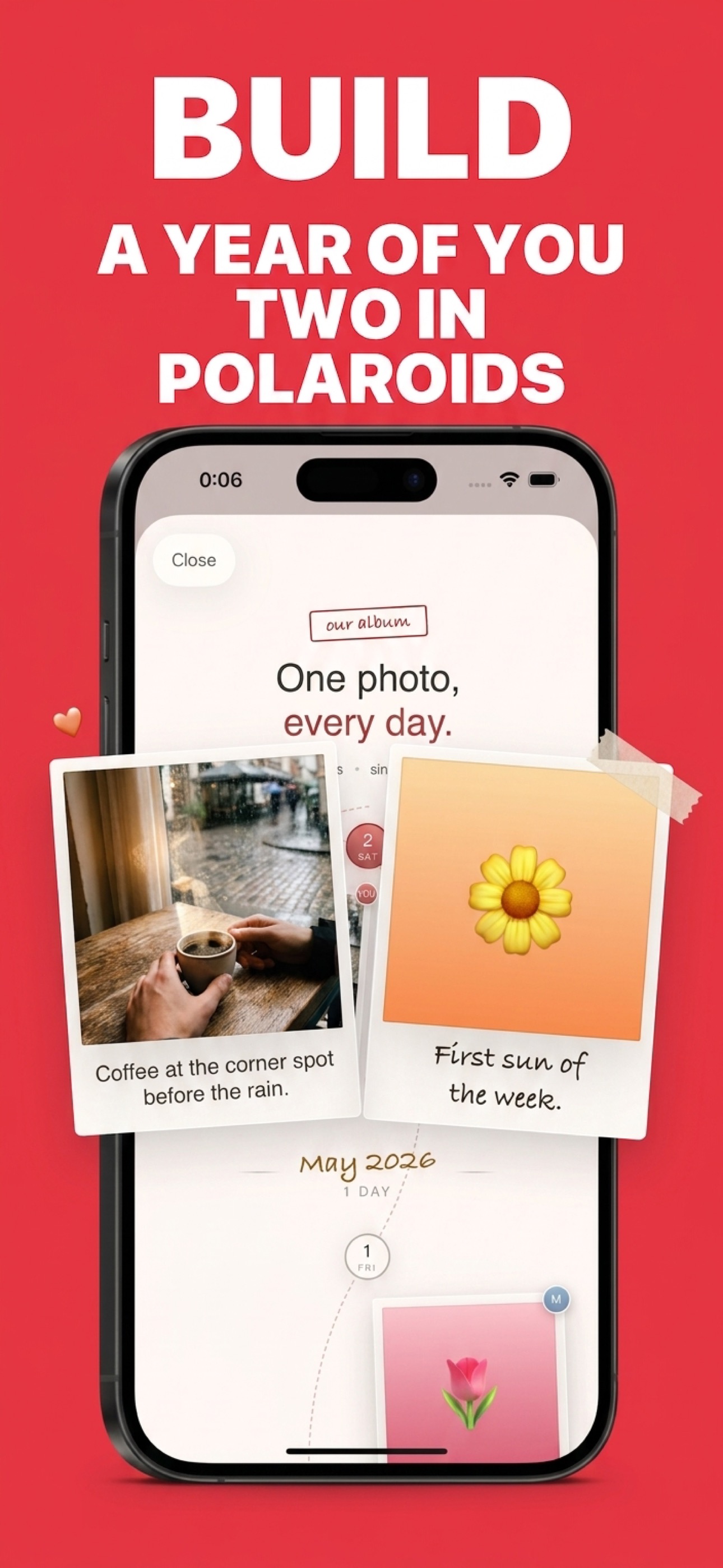
Build a polaroid scrapbook of you two.
One photo a day from each of you, lined up side-by-side on a serpentine thread. The days-together counter, the anniversary countdown, the milestones — all beautifully laid out. A year of you two becomes a film you can scroll through.
- 📷 One photo per day, both of you
- 💞 Days-together · anniversary · milestones
- 🧵 Scroll back through your shared timeline
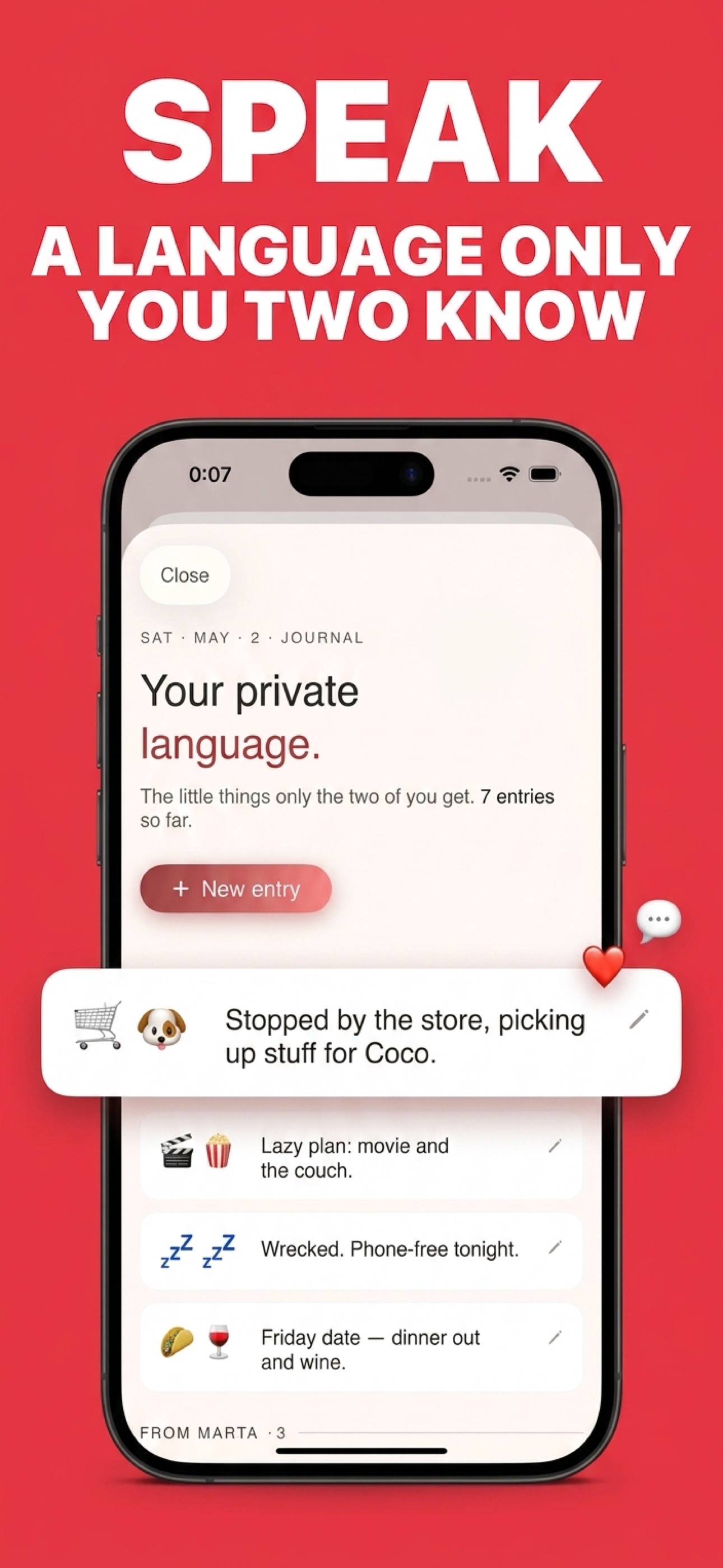
03 · Speak
Speak your own private language.
Save inside jokes and secret emojis to your shared journal. The little signs only the two of you decode. A 🐢 for "I'm tired", a 🌮 for Tuesday — the language of your relationship, written down.
- 🤫 Inside jokes, never shared with anyone else
- 📓 Your shared private journal
- ⚡ Quick reactions — "thinking of you" in two taps